

// introduction
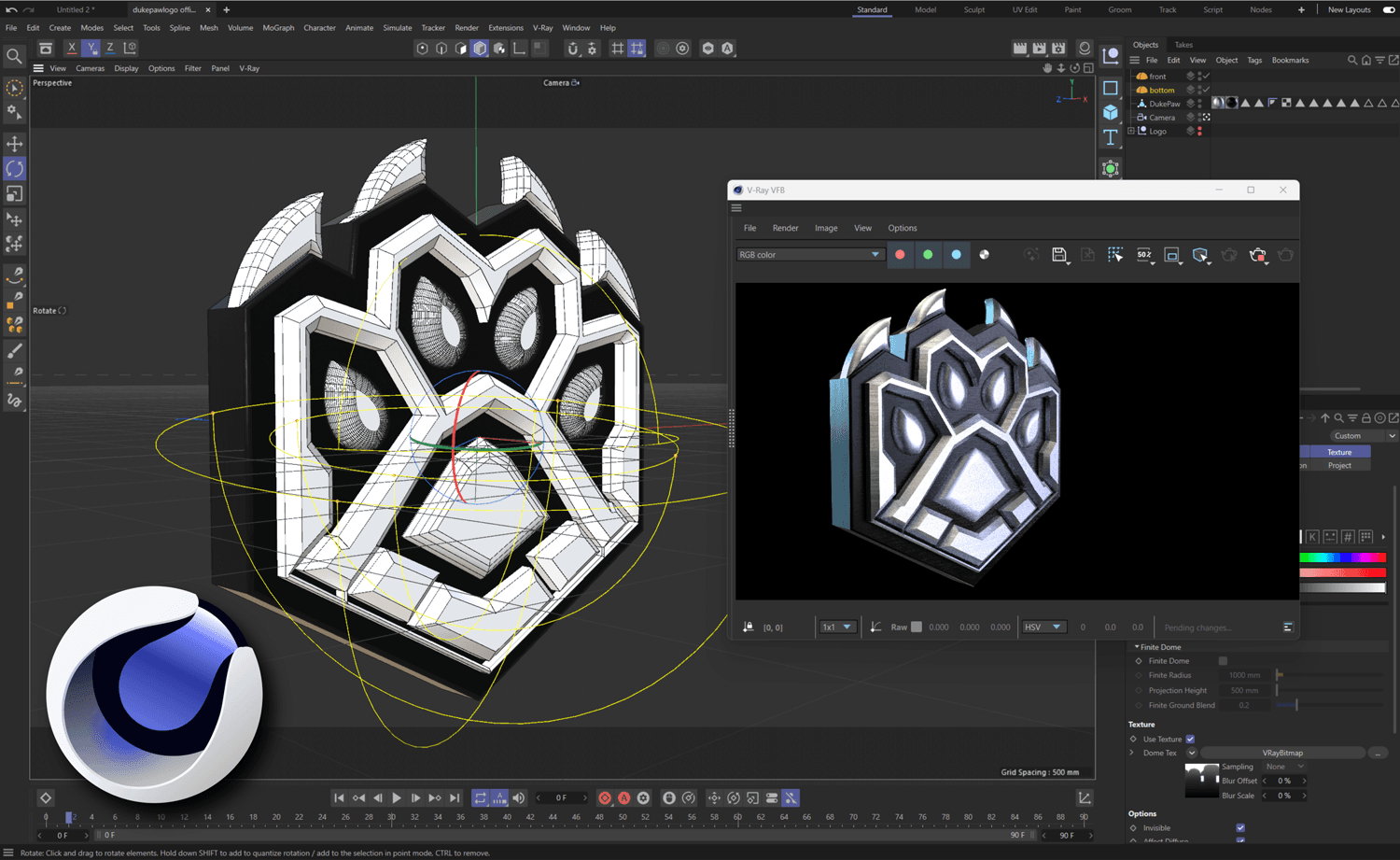
Cinema 4D is not the only serious 3D package in 2026, but it remains one of the most established professional tools in the space. Maxon continues to position Cinema 4D as a professional platform for 3D animation, modeling, simulation, and rendering. Blender 4.5 is now a long-term support release supported until July 2027. Autodesk continues to market Maya 2026 around high-end animation, modeling, and simulation workflows. Against that backdrop, the more interesting question is not whether Cinema 4D is still relevant — it is why it still holds up so well for certain kinds of creative work.
At DukePaw Studio, we have been working in 3D animation for more than 15 years. Cinema 4D has been the tool of choice throughout that time — not by default, but because it continues to earn that position. This article explains why Cinema 4D remains the best 3D modeling software choice for the kind of design-led, motion-driven, commercially practical work we do.
// context.2026()
Why This Question Still Matters in 2026
The 3D software landscape is more competitive now than it has ever been. Blender went from a free hobby tool to a genuinely serious production platform. Maya remains one of the most deeply embedded tools in high-end animation and VFX pipelines. Cinema 4D sits in a different space — and that positioning is exactly what makes the comparison worth revisiting.
Every few years the narrative shifts. First it was "Blender is catching up." Then "Blender has caught up." Now the conversation is more nuanced — not which tool is the most powerful in absolute terms, but which tool gives a particular kind of practitioner the best environment to do their best work. That question has a different answer depending on the workflow, the creative output, and the production context.
For design-led motion work and commercially driven 3D production, we keep coming back to the same answer. Here is why.
// workflow > featureList
Why Workflow Matters More Than Feature Lists
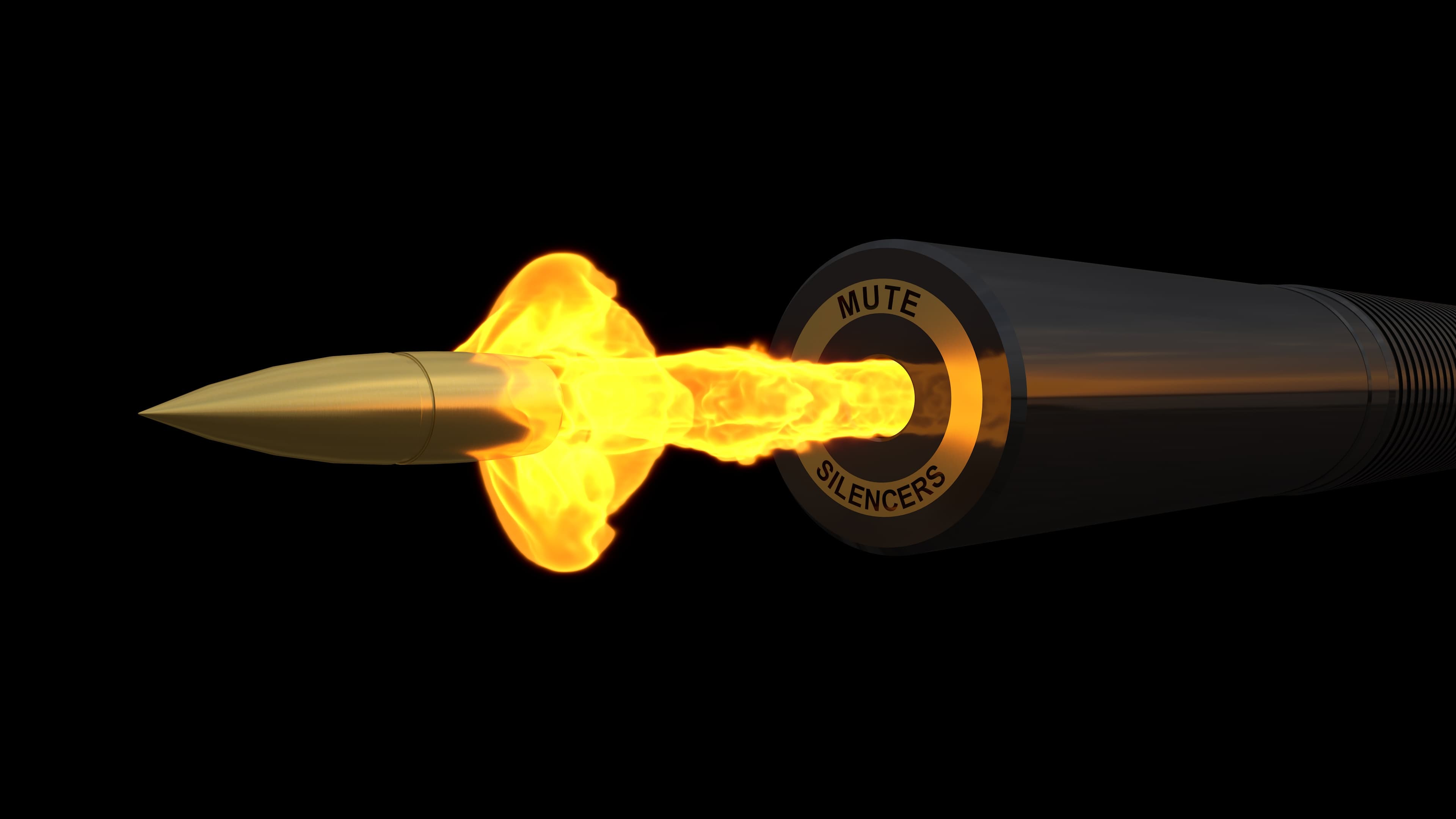
Most software comparisons get stuck on features. Does it have procedural modeling? Simulation tools? GPU rendering? Sculpting? The answer is almost always yes across all the major packages at this point. The feature gap between Cinema 4D, Blender, and Maya has narrowed significantly over the last several years. That is not the real differentiator anymore.
Workflow is where the real differences live. How fast can you move from a concept to a finished scene? How intuitive is the interface when you are deep in a complex project at two in the morning? How cleanly does the tool get out of your way when you are in a creative flow state? Those qualities are harder to measure in a comparison chart — but they are what determine how productive and creatively free you actually feel inside the software.
Cinema 4D was built with a consistent philosophy around usability and logical structure. After more than 15 years working in it daily, that philosophy still holds up. The interface is clean. The node structure is rational. The logic of how objects, materials, and animations connect feels considered rather than accumulated. That matters in a craft where time is the most valuable resource.
// cinema4d.balance()
Why Cinema 4D Still Has One of the Best Balances in 3D
Cinema 4D does not try to be everything to everyone — and that restraint is part of what makes it strong. It is genuinely capable across modeling, animation, simulation, and rendering, but it has a clear center of gravity: design-led, motion-driven creative work at a professional commercial level.
Blender is an extraordinary tool. The fact that it is free, open-source, and actively developed by a global community makes it remarkable. For someone learning 3D from scratch, Blender 4.5 LTS is a serious choice. For studios looking to reduce software costs, it is worth serious consideration. But Blender is also a tool that rewards deep familiarity — its interface logic, shortcut density, and workflow patterns take real time to internalise. For commercial production where consistency and speed matter, that learning curve and the additional investment in pipeline setup can work against you.
Maya occupies a different position entirely. It is a production-first tool built for rigging, character animation, simulation, and pipeline-heavy workflows. Autodesk continues to market Maya 2026 around realistic characters, animation, and simulation for film and game production. That is exactly what it excels at — and exactly where its priorities lie. For motion-led commercial work that does not involve complex character rigs or deep simulation pipelines, Maya is often more tool than the job needs.
Cinema 4D sits in a genuinely useful middle ground. It is approachable enough to work quickly in, powerful enough to handle complex commercial projects, and focused enough that its strengths are clearly felt in the kind of work we do most.
// mograph.advantage()
Why MoGraph Still Gives Cinema 4D a Major Advantage
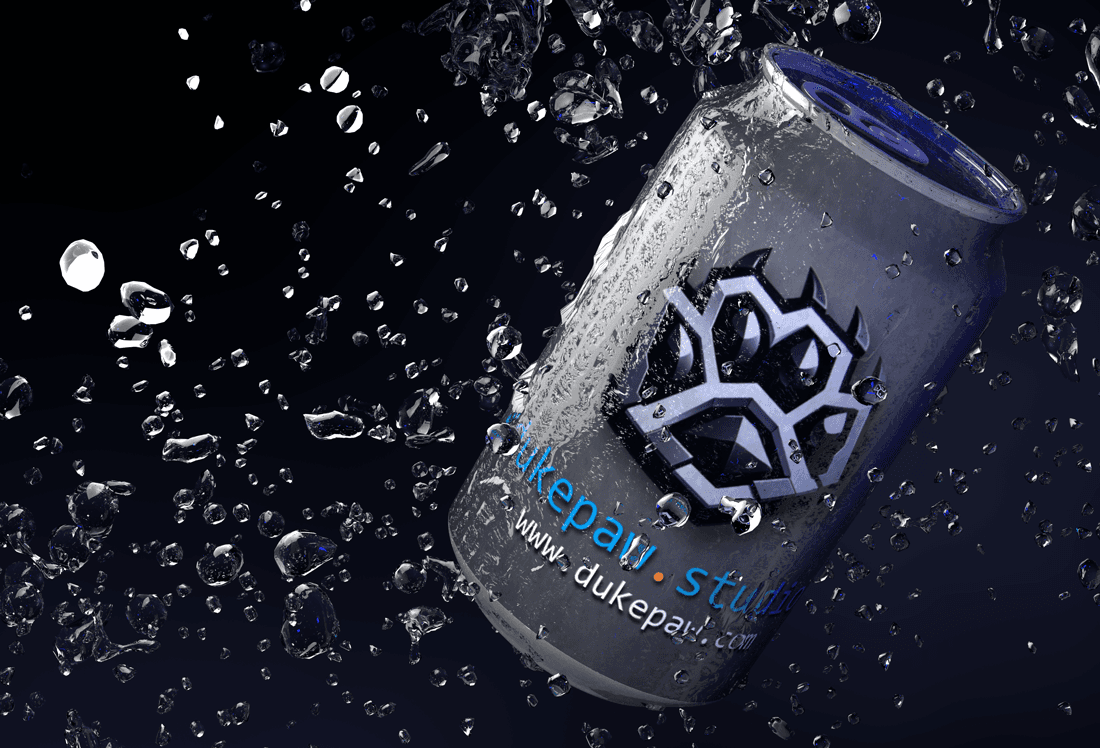
MoGraph is not just a feature — it is one of the most significant toolsets in motion design. Cloners, effectors, the MoText system, Fields, and the procedural animation logic that runs through all of it create a genuinely unique environment for building motion-driven content efficiently. Maxon continues to market MoGraph as one of Cinema 4D's defining strengths, and after all this time it remains one of the clearest reasons to choose Cinema 4D for motion-led work.
The power of MoGraph is in how it lets you think procedurally without losing creative control. You can build a complex motion system — hundreds of objects, layered effectors, time-offset animations — and still adjust the core logic with a single parameter change. That flexibility is not just technically convenient. It is creatively liberating in a way that directly affects the quality of the final work.
Other tools have motion graphics capabilities. Blender's geometry nodes system is impressive, and continues to develop. But MoGraph has been refined specifically for design-led motion work over many years of Cinema 4D development, and that specialisation shows in how naturally and efficiently it handles the kind of commercial 3D animation we produce.
// integration.ecosystem()
Why Integration Still Matters in Modern Creative Work
Creative work rarely exists in isolation. 3D animation feeds into motion graphics pipelines, brand video production, digital marketing campaigns, and web development projects. How cleanly your 3D tool connects to the rest of that workflow matters in a real, practical way — especially in a studio environment where multiple projects are running in parallel.
Cinema 4D's integration with After Effects through Cineware remains one of its most practical strengths. The ability to composite 3D directly within After Effects, maintain live connections between Cinema 4D scenes and AE compositions, and keep the motion design workflow tightly connected across both tools is a significant time saving in production. Maxon continues to develop Cineware as part of the Cinema 4D ecosystem, and that connection is still one of the cleanest pipelines in the industry for motion-led commercial work.
For studios doing any kind of branded motion, product visualisation, or design-led content, that After Effects pipeline is not a minor convenience — it is a core part of how the work gets finished efficiently. Blender has third-party bridge tools, and Maya has its own compositing options, but neither offers the same depth of native After Effects integration that Cinema 4D provides through Cineware.
// redshift.rendering()
Why Redshift Strengthens the Package Further
Redshift being included with all Cinema 4D subscriptions is not a small thing. GPU rendering at a professional level, directly inside the same environment you are working in, with no separate licensing to manage — that is a meaningful advantage for studios focused on output quality and production efficiency.
Redshift is not just fast — it is predictable and production-grade. The material system is consistent, the render settings are accessible, and the output quality is the kind that holds up in high-resolution commercial work without requiring extensive post-production correction. Current Cinema 4D 2026 support notes continue to reference Redshift integration and performance updates as part of the active development cycle.
The render engine is not the whole story, but it is a significant part of the final result. Having Redshift tightly integrated into the Cinema 4D environment — with native material support, viewport preview, and consistent behaviour between interactive and final renders — removes friction from one of the most time-sensitive parts of the production pipeline.
// experience.15plus_years()
Why Cinema 4D Still Holds Up After 15+ Years in 3D
Software that you have worked in for more than 15 years becomes an extension of how you think. The shortcuts are reflexes. The workflow logic is intuitive. The tool stops being something you operate and becomes something you think through. That depth of familiarity is genuinely productive — not just in speed, but in creative confidence.
But long-term familiarity only earns its keep if the tool keeps earning it back. Software that stagnates, or that fails to evolve with the needs of professional production, becomes a liability rather than an asset regardless of how well you know it. Cinema 4D continues to develop. Maxon continues to invest in MoGraph, Redshift, the node system, simulation tools, and the broader ecosystem. The tool that was the best choice 15 years ago is a meaningfully better tool today — and that trajectory is part of why it remains the tool of choice at DukePaw Studio.
What Cinema 4D has never lost is its core character: a 3D environment that is designed to be used efficiently, that rewards creative thinking over technical wrestling, and that stays close to the design-led workflow sensibility that makes commercial motion work feel polished rather than just technically competent.
// client.value()
Why This Matters for Clients Too
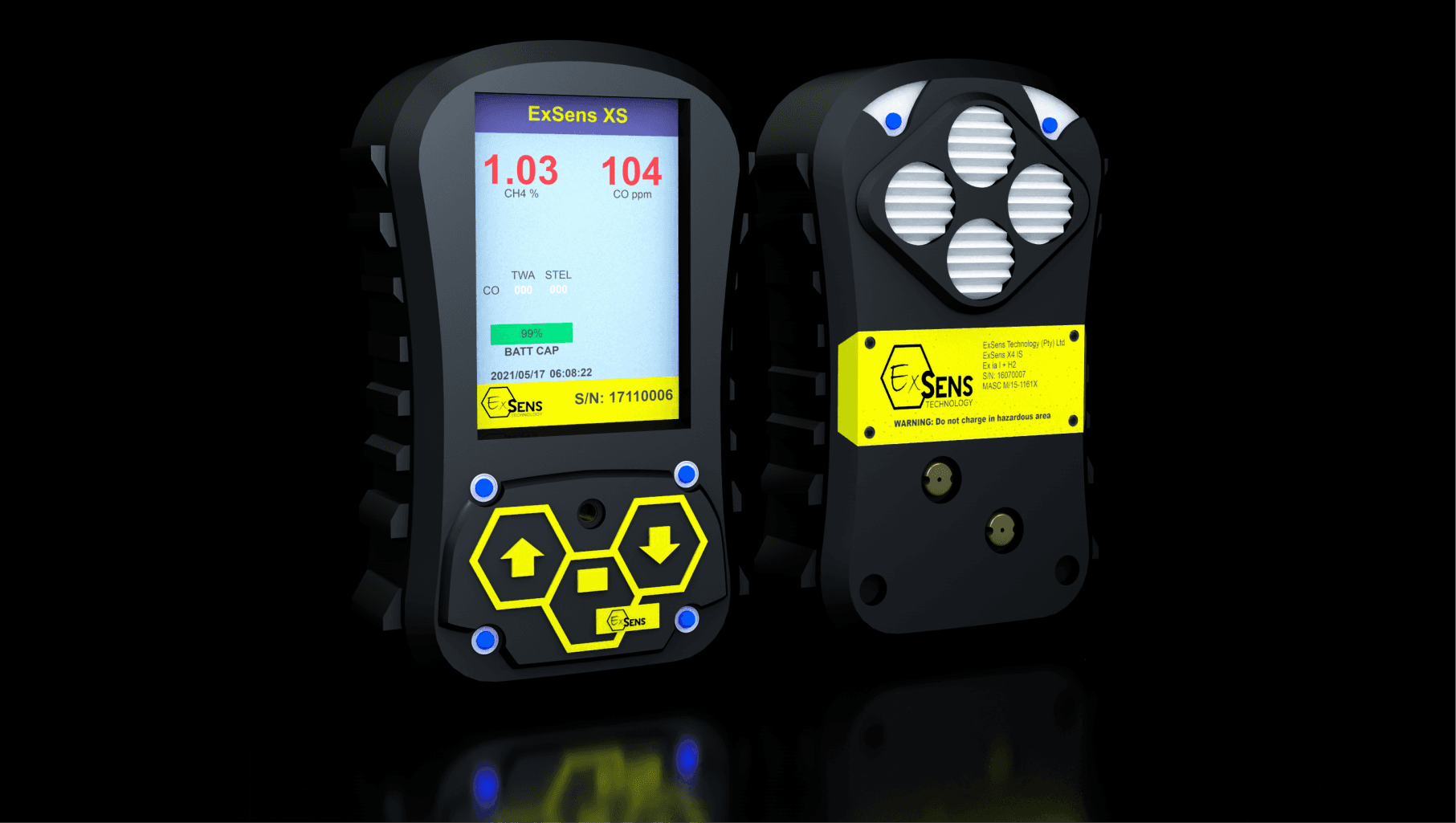
The software choice behind a 3D project is not just a technical detail — it shapes the quality of the outcome, the efficiency of the process, and the flexibility available during production. When a client commissions branded 3D visuals, product animation, or motion-led content, they are trusting the studio to make the right tool choices for the job.
Working in Cinema 4D with 15+ years of depth behind it means that production moves faster, revisions are handled more cleanly, and the final output benefits from an environment that the team knows at a level that goes well beyond surface familiarity. That translates directly into better results and fewer iterations.
At DukePaw Studio, 3D animation is part of a broader creative and technical capability that spans web development, software development, and digital marketing. The creative output does not exist in isolation — it feeds into real commercial work, and the tools behind it need to support that standard.
// final_thoughts()
Final Thoughts
Cinema 4D is not the only great 3D package in 2026, and this article is not making that claim. Blender is a serious tool. Maya is a serious tool. The 3D software landscape is strong right now in a way that benefits everyone working in it.
But for design-led, motion-driven, commercially practical 3D work — the kind of work that needs to move quickly, render cleanly, integrate smoothly with a broader creative pipeline, and hold up at a professional commercial standard — Cinema 4D still remains the best 3D modeling software choice for how we work at DukePaw Studio. After more than 15 years in the craft, that position is earned, not assumed.
// faq.render()
Frequently Asked Questions
Is Cinema 4D still relevant in 2026?
Yes. Maxon continues to actively develop Cinema 4D in 2026, with current downloads listing Cinema 4D 2026 and support articles documenting 2026.1.x releases and updates.
Is Cinema 4D better than Blender?
That depends on the kind of work. Blender 4.5 LTS is a serious all-in-one 3D suite supported until July 2027, but Cinema 4D continues to differentiate strongly around workflow, MoGraph, and its Maxon ecosystem. This article takes a practitioner's perspective rather than claiming a universal winner.
Is Cinema 4D better than Maya?
Not in every category. Maya remains a major professional tool for character animation, rigging, simulation, and heavier production workflows, while Cinema 4D is often especially strong in motion-led, design-driven, and commercially practical 3D work. Autodesk continues to market Maya 2026 around realistic characters, animation, modeling, simulation, and production use.
What is MoGraph in Cinema 4D?
MoGraph is Cinema 4D's motion graphics toolset built around cloners, effectors, procedural animation, text systems, and other design-led motion workflows. It remains one of Maxon's clearest differentiators for Cinema 4D.
Does Cinema 4D include Redshift?
Yes. Maxon's Cinema 4D product page says all Cinema 4D subscriptions include Redshift GPU, and current Cinema 4D 2026 support notes reference continued Redshift integration and performance updates.
Why do artists still choose Cinema 4D?
Many still choose it for workflow speed, usability, MoGraph, After Effects integration, and the surrounding Maxon ecosystem. Maxon continues to highlight MoGraph, Cineware, and Redshift as core strengths of the Cinema 4D environment.